Workflow: Create staff roles
4 min read·Updated July 2026
Overview
Define a permission role before inviting teammates.
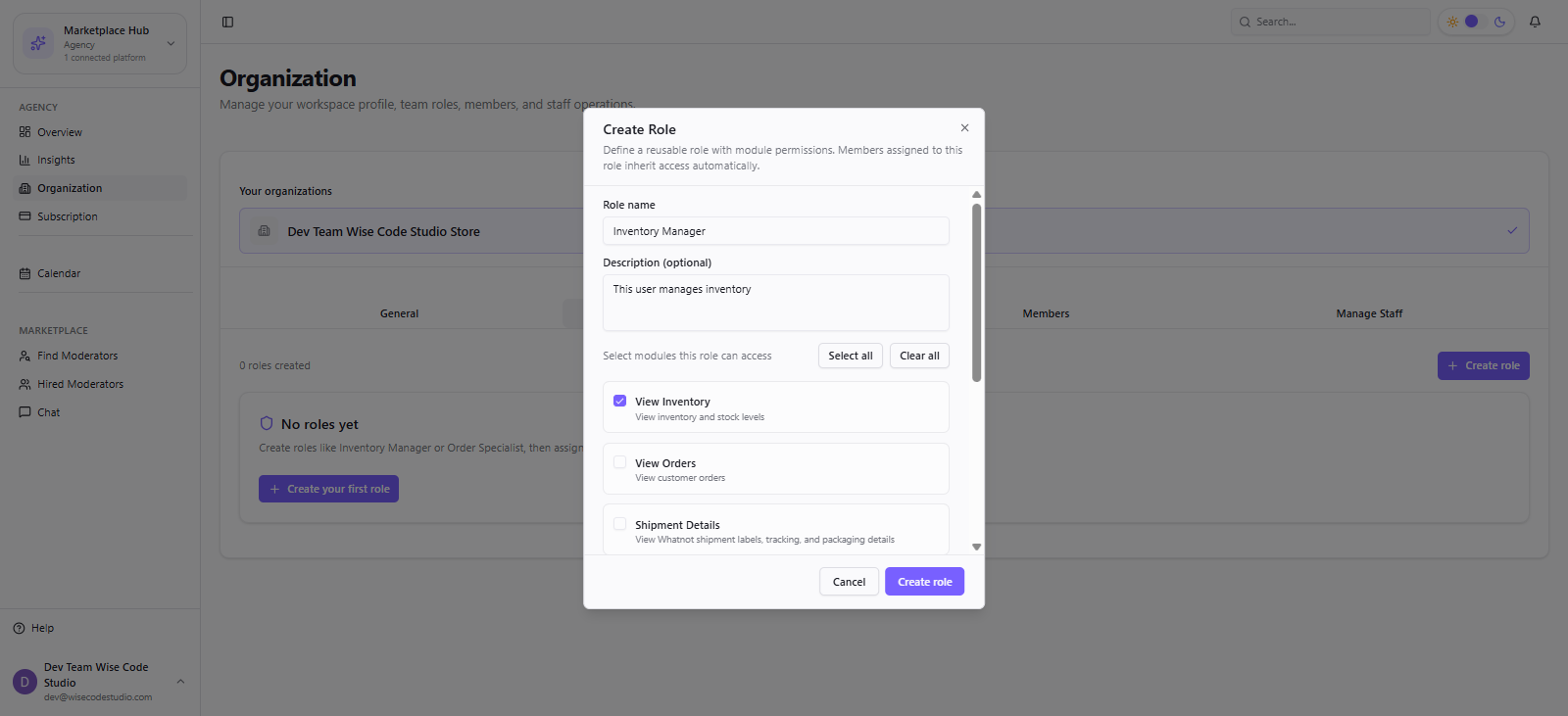
- 1
Agency → Organization → Roles & Permissions.
- 2
Create role → name it (example: Packing Associate).
- 3
Enable View Orders, Packing, Labelling, Attendance.
- 4
Save, then assign this role when inviting members.
FAQ
Was this article helpful?